EN
🇺🇸

Mac cleaner & uninstaller

Clean up apps, leftovers, and clutter in one go. Macleaner helps you free disk space, remove junk, and keep your Mac feeling fast and responsive day after day. Discover which apps take up the most space and remove them safely when you’re ready.
Designed for the latest versions of macOS.
Trusted to keep Macs clean. ★★★★★ Simple, safe, and efficient cleanup.
Macleaner dashboard
Storage icon
Free up valuable disk space
Uninstall icon
Remove apps and leftovers
Tools icon
Clean up tools and caches
Experience icon
Made for long-term Mac care
Macleaner app overview

Get your Mac running like new

See which apps use the most space, what they leave behind, and remove what you no longer need — without touching important system files. Macleaner highlights safe cleanup options and groups related files, so every uninstall feels clear and predictable.

Works on Intel and Apple silicon Macs.

Clean more than just apps

🧹
Complete app removal
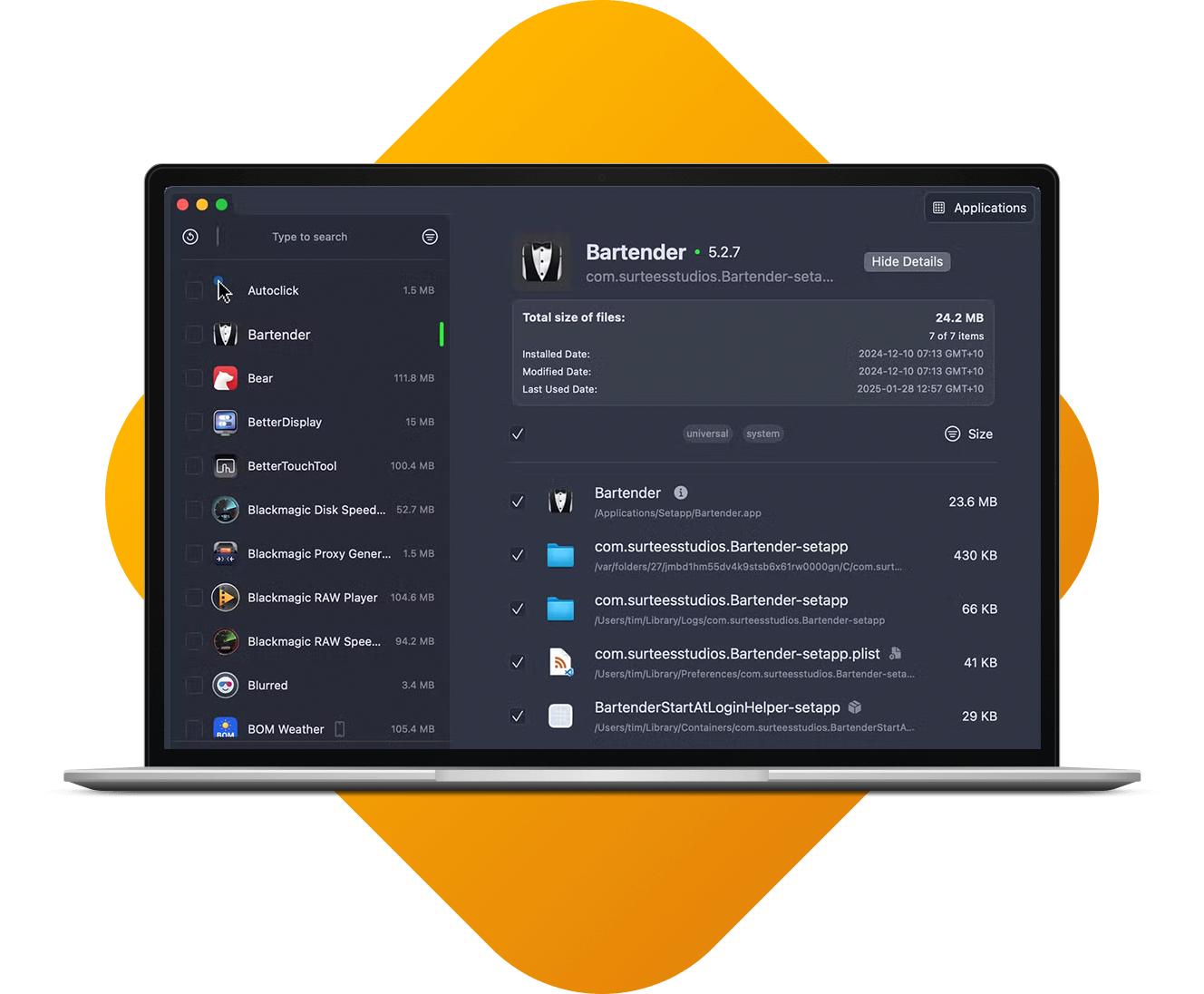
Uninstall apps together with caches, logs, and support folders so they don’t keep taking up space.
🗂️
Clear old leftovers
Find files from apps you removed long ago and safely clean them up in a few clicks.
💻
See what fills your disk
Quickly spot heavy apps, tools, and data so you can decide what stays and what goes.
🍺
Ideal for power users
Perfect if you install a lot of utilities, test apps, or developer tools on your Mac.
⚙️
Fits your workflow
Use Macleaner alongside Finder and your other tools, without changing how you work.
🎨
Cleanup on your terms
Adjust what Macleaner looks for and where it scans, so each cleanup is tailored to you.

See the difference a clean Mac makes

Depending on how you use your Mac, Macleaner can help you recover space and make everyday tasks feel smoother.

🧺
71 GB
SPACE FREED
Remove big apps, support data, and old toolchains you no longer rely on.
🚀
30%
LIGHTER FEEL
Fewer heavy apps and less clutter can make everyday use feel snappier.
⏱️
79%
FASTER STARTUP
Clean up login items and related files to reduce slowdowns after restart.
🕒
24/7
CLEANER MAC
Use Macleaner regularly to stop junk from building up again over time.

Give your Mac a proper cleanup

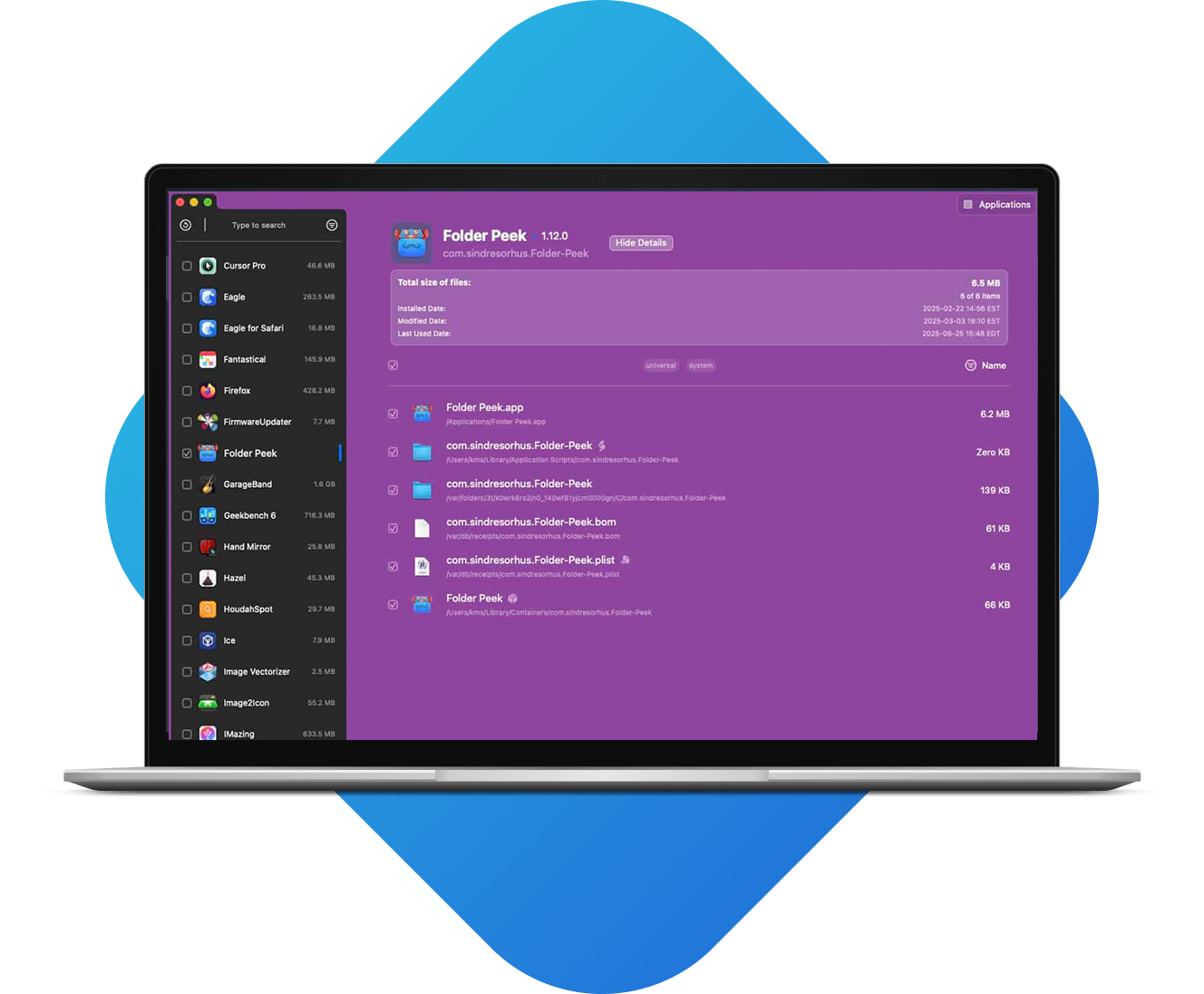
Macleaner puts your apps and their related files in one clear view, so cleaning up your system is quick, safe, and straightforward.
Macleaner app list

See what each app really uses

Pick an app to see its caches, logs, preferences, and support files. Select what you want to remove, send it to the Trash, and free up space in a controlled way.

Say goodbye to hidden junk

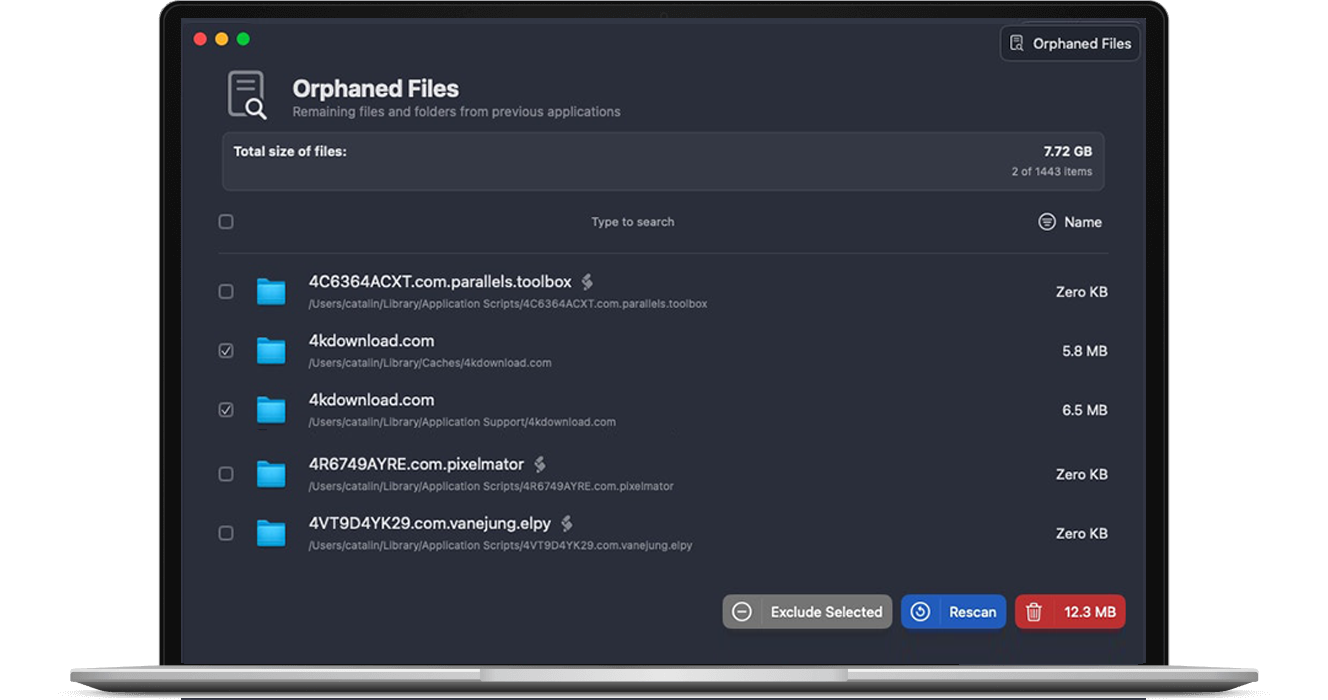
Trash alone doesn’t catch everything. Macleaner looks in common Library locations for leftover files and helps you clear them out without digging through folders.
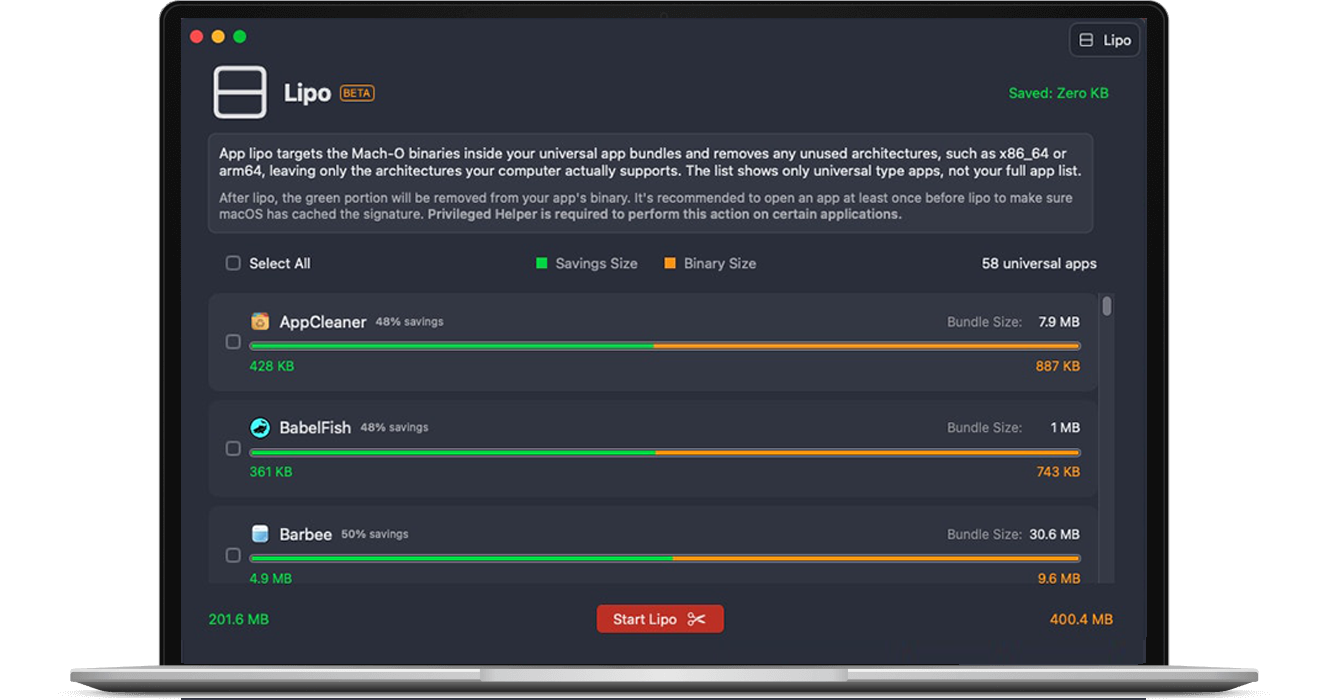
Macleaner junk cleanup view
Macleaner reclaim space screen

Reclaim space from heavy setups

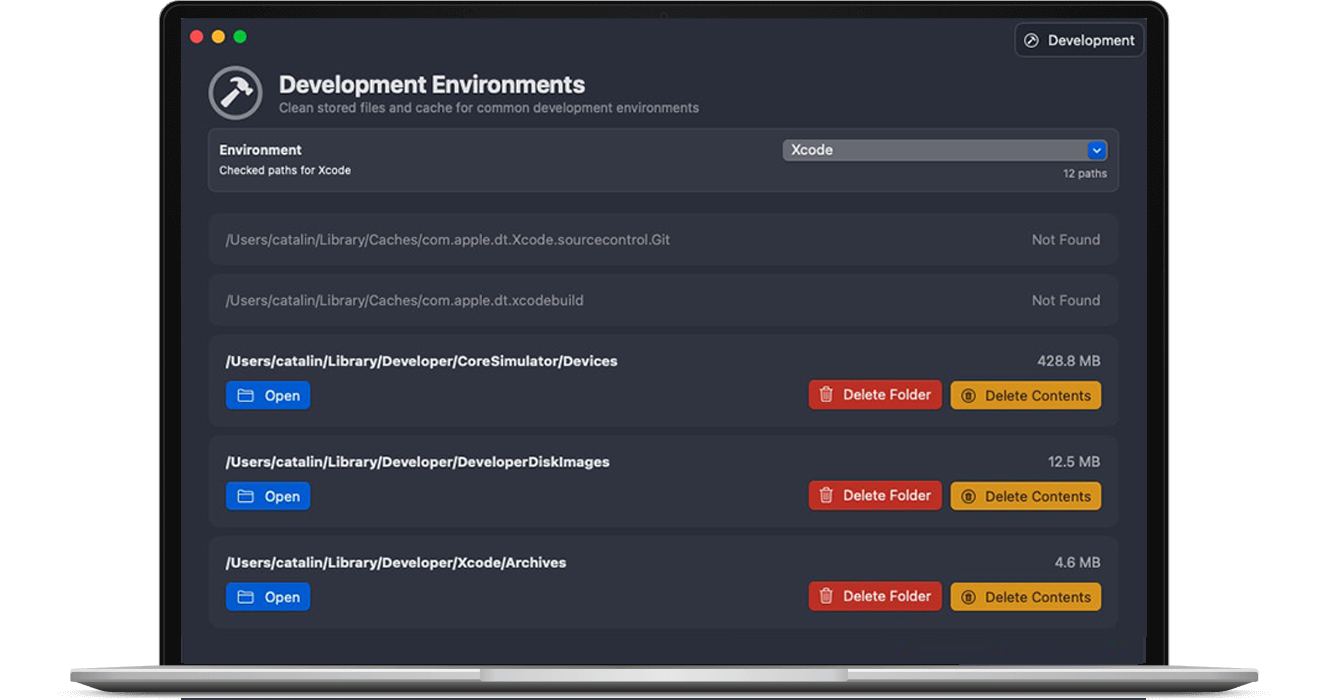
Clean out old test apps, tools, and environments you no longer use. Keep the projects that matter and remove the rest to give your Mac more breathing room.

Keep your Mac workspace under control

Whether you run a few apps or dozens, Macleaner helps you stay organized and clutter-free.

Review apps, plug-ins, developer tools, and large project folders from one place. Clean up older environments, archive what you still need, and keep your daily workspace focused on the apps and files you actually use.
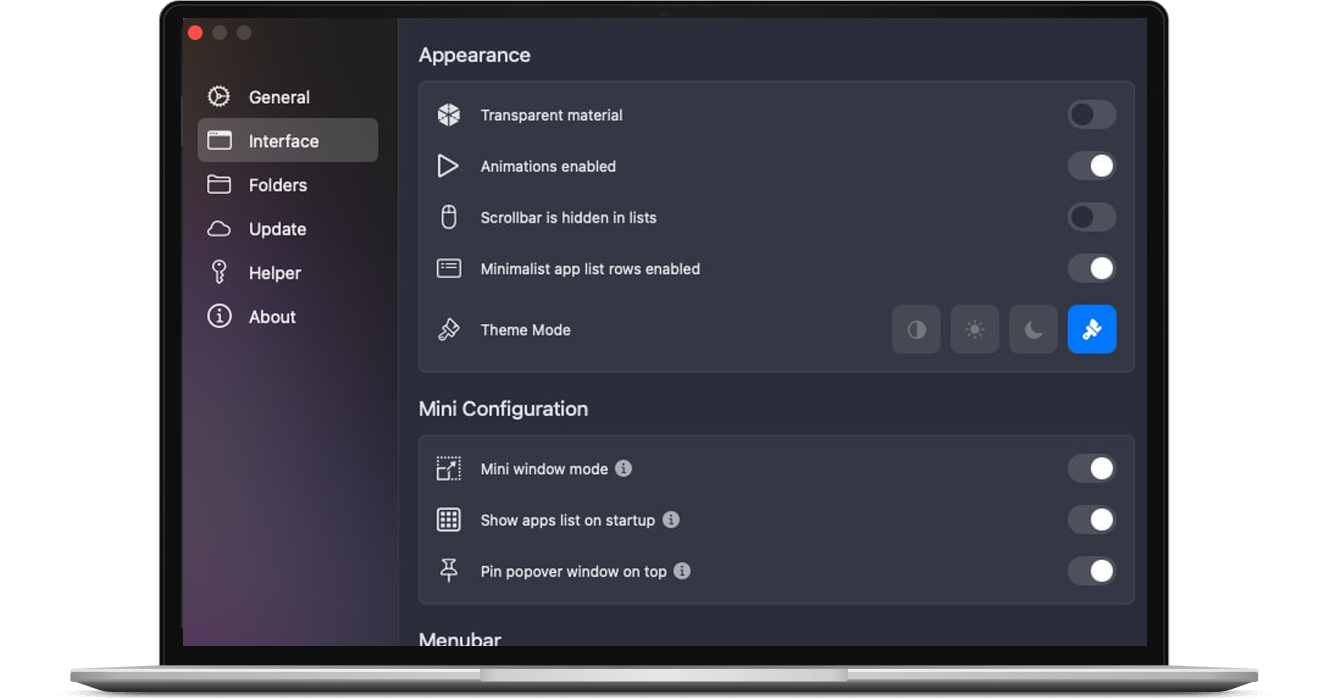
Macleaner multi component view

Download Macleaner and clean up your Mac

Install Macleaner to see what’s using your storage, what you can safely remove, and how much space you can get back — all with a few guided cleanups.

Available for modern versions of macOS.

FAQ

Why isn’t dragging apps to the Trash enough? +
Dragging an app to the Trash removes the app itself, but not its support files. Caches, logs, and preferences can remain in your Library folders. Macleaner finds those related items and lets you remove them with the app for a more complete cleanup.
Can I check files before I delete them? +
Yes. For each app, Macleaner shows the files it plans to remove and where they live. You can deselect anything you want to keep, then confirm the cleanup when you’re ready.
Will Macleaner find leftovers from older apps? +
Macleaner can scan for leftover files from apps you removed in the past and offer to delete them. It’s an easy way to reclaim space from software you no longer use, without manually searching through your disk.